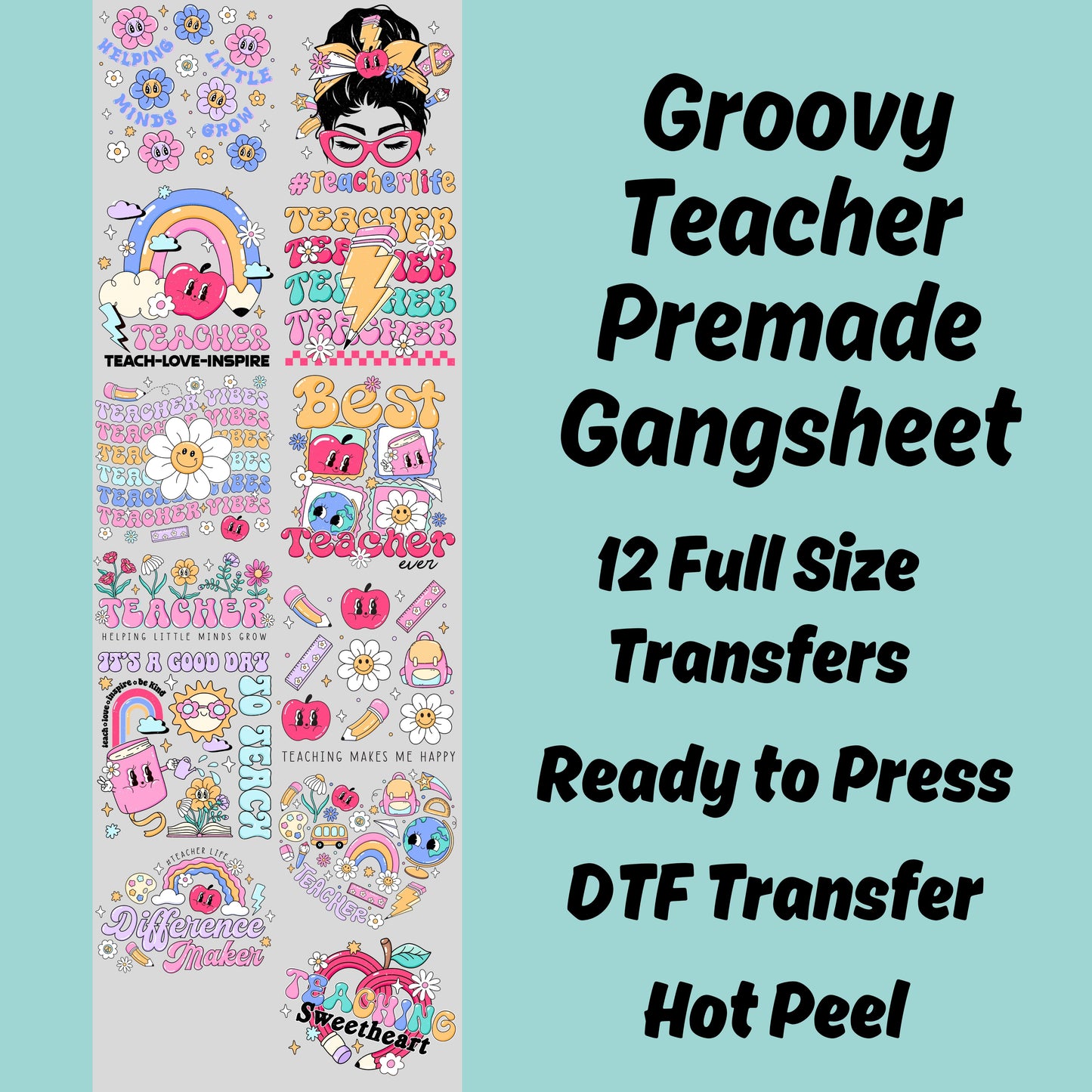
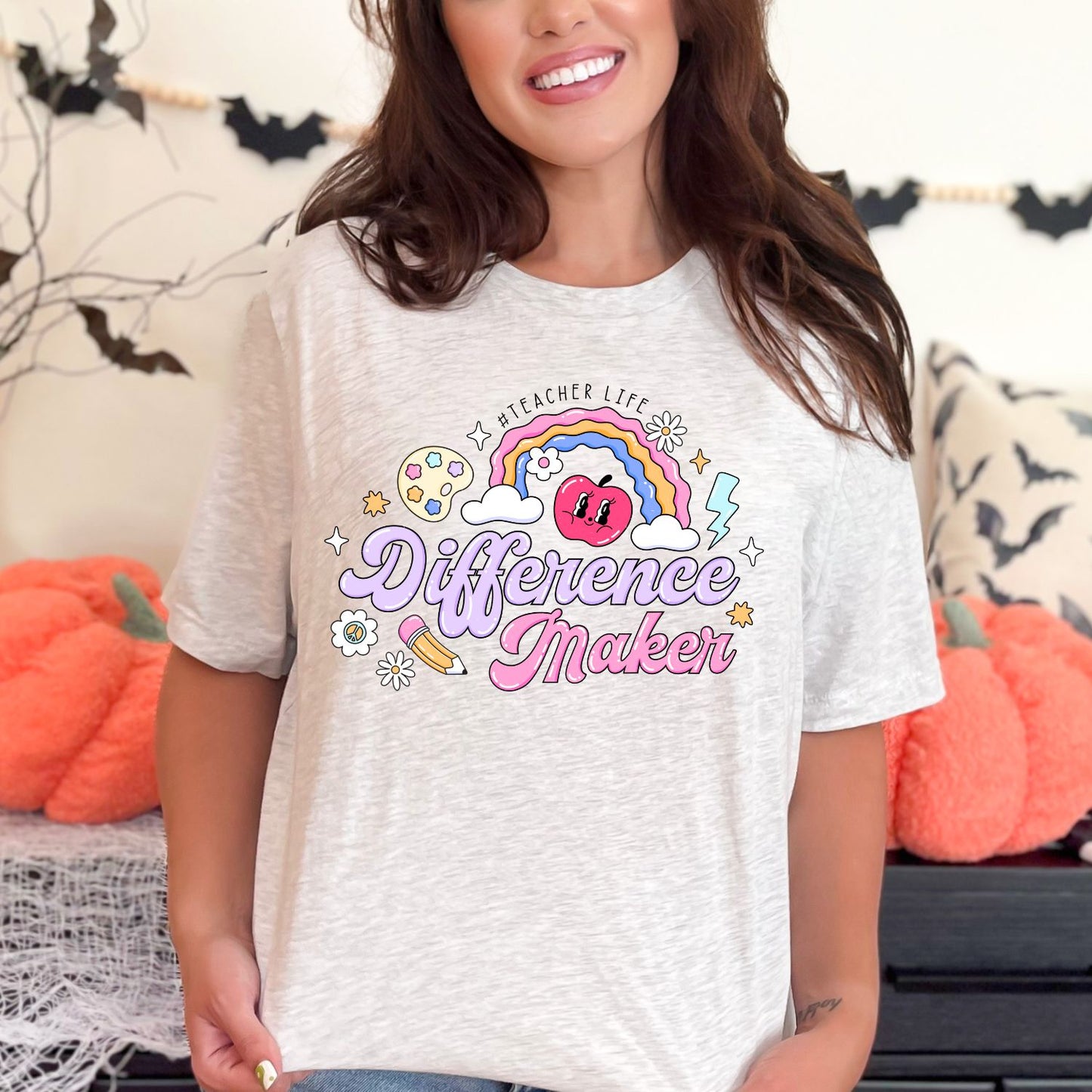
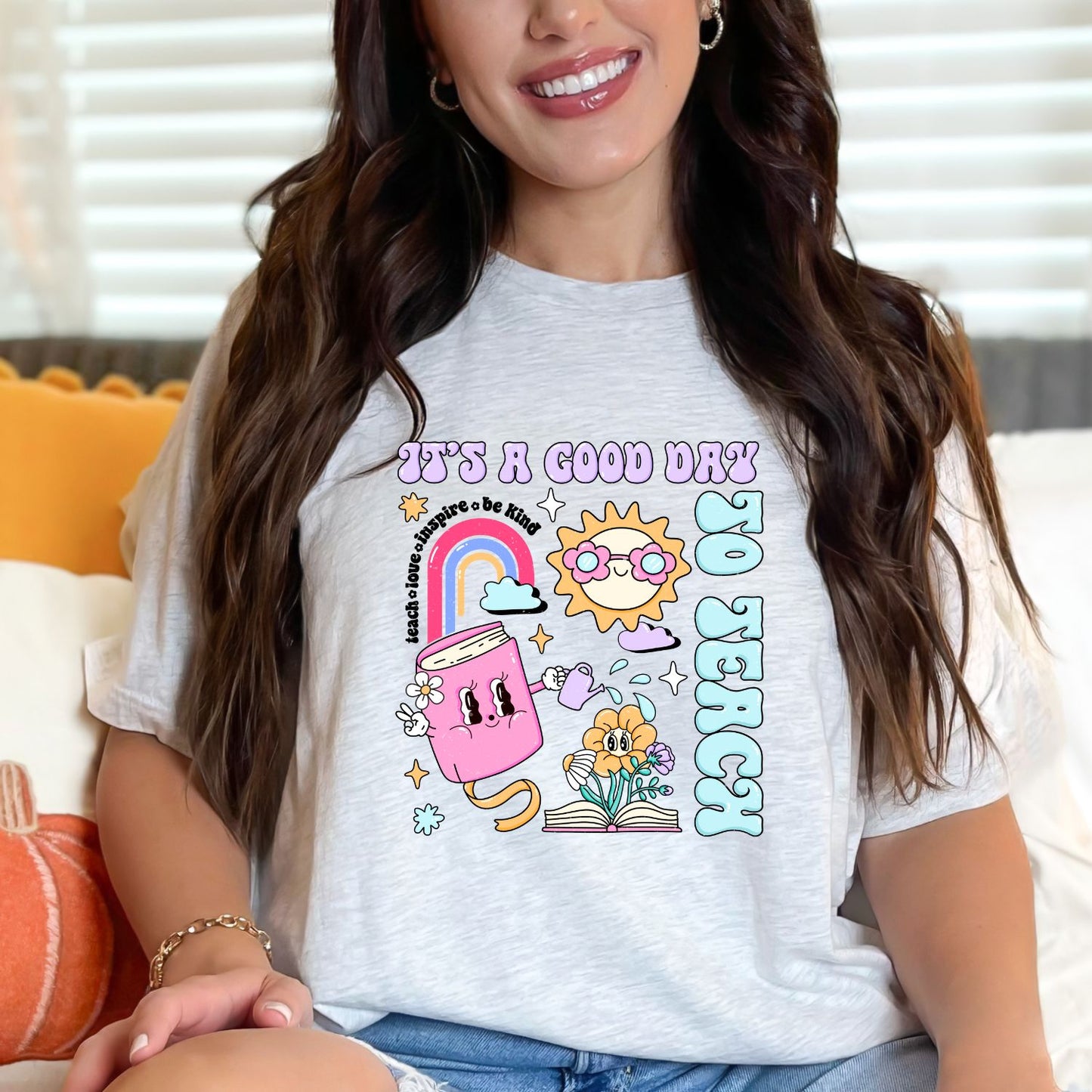
Groovy Teacher DTF Bundle is a premade DTF gang sheet from Marigold Designs. Use the pictured designs for your next apparel project.
This listing supplies printed transfers for application with a commercial heat press. Review the pictured layout and listed print details before ordering. Finished garments and digital artwork files are not included.
12-FULL SIZE TRANSFERS
How to apply our DTF Transfers:
300-320 degrees
Use a lint roller to remove any lint on the t-shirt’s press area.
Pre press for 5-10 seconds to remove wrinkles and moisture.
Lay down the transfer with the ink facing the material.
Press for 15 seconds, applying heavy pressure.
FOR HOT PEEL FILM: DO NOT ALLOW TO GET COLD. After pressing, wait 5-10 seconds, then peel the film from one corner in one consistent motion.
If the transfer does not stick, put the transfer paper back down and press for a few more seconds. This can happen if your press is not giving even heat and pressure.
COOD PEEL.
Put shirt back on press, cover design with Teflon or parchment paper, and press again for 15 seconds. Remove paper.
You must use a commercial heat press to apply these transfers.
DTF transfers can be pressed onto any shirt material including cotton and polyester.
When pressing, using a teflon sheet between the press and the design produces the best results.